
Therapist social media · Updated 2026-11-03
Free therapist Instagram templates: 5 editable posts for private practice
Ready-made template kit: Therapist Instagram Templates Holiday 20% off: about $14.72, was $18 (EUR 16) · instant digital download
Buy on EtsyTry it free first: download 3 editable sample posts (.pptx, 40 KB). Upload the file to a free Canva account, or open it in PowerPoint or Google Slides, and edit the text before you buy. No email needed.

If you are a therapist, counselor or psychologist who knows you should post on Instagram but never has time to design anything, this free pack gives you five finished posts you can edit in a few minutes. They are real posts from our paid kit, The Calm Practice, not watered down extras, so you can see exactly how the design and the writing work before you decide whether you want more.
Download the 5 free posts (ZIP, editable PPTX + PNG + captions)
What is in the free pack
- 5 editable posts in one PowerPoint file, at 4:5 portrait (1080 x 1350 px), a standard Instagram feed size that takes up more of the screen than a square post.
- 5 PNG previews of the posts exactly as designed.
- 5 ready captions with hashtags, one per post, written in plain US English.
- The two fonts the design uses, Playfair Display and DM Sans, which are free under the SIL Open Font License.
- A short read me with editing steps for PowerPoint, Google Slides and Canva.
The five posts
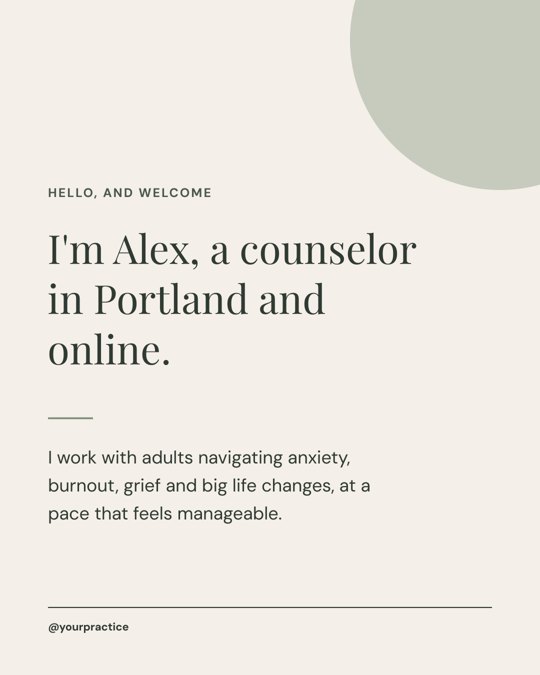 1. Welcome postIntroduces you, who you work with and how. Pin it to the top of your profile.
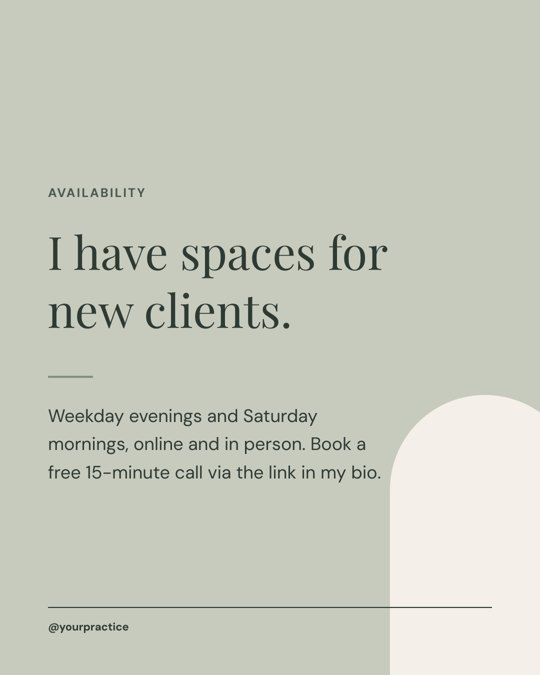 2. Now bookingTells people you have openings and when, with a clear next step.
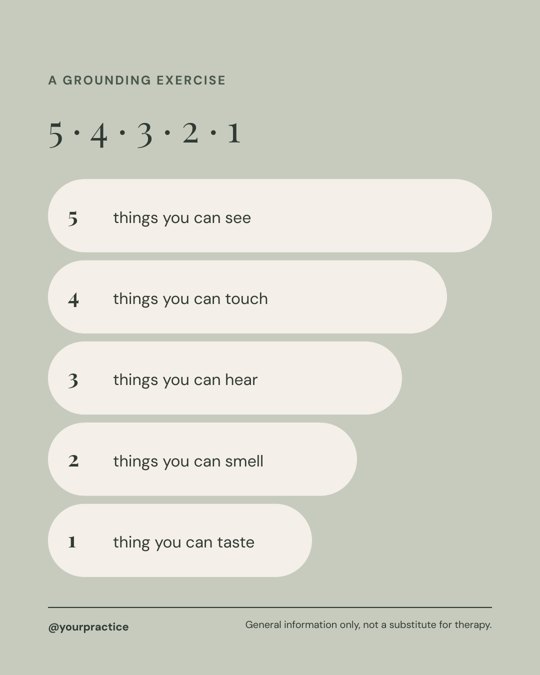 3. Grounding exerciseA useful, saveable 5 4 3 2 1 post, the kind people send to a friend.
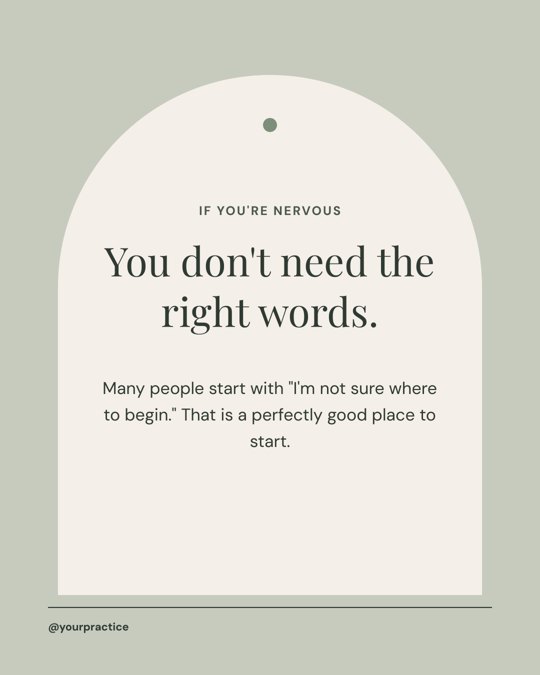 4. If you're nervousSpeaks to the person who has been putting off booking a first session.
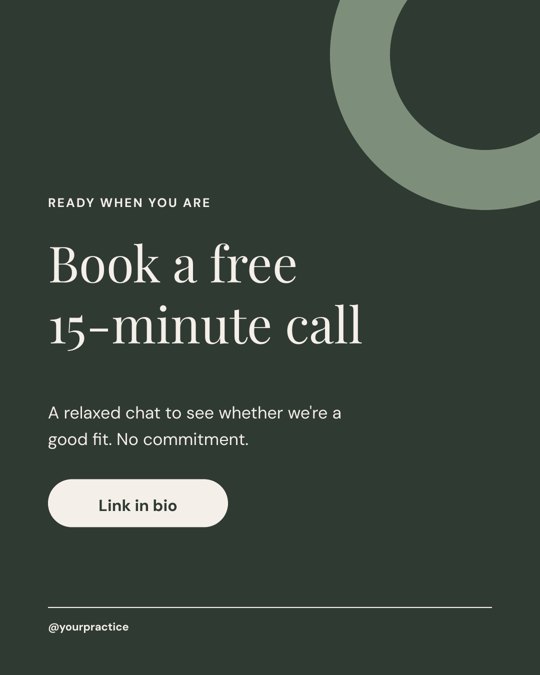 5. Book a free callA calm call to action that points to the link in your bio.
How to edit the templates
- Install the fonts first. Open the fonts folder and install Playfair Display and DM Sans, so the posts look the same as the previews. Both are Google Fonts, so Google Slides can also pick them from its font menu.
- Open the PPTX in the tool you like. In PowerPoint or Keynote, just open it. In Google Slides, upload the file to Google Drive and open it with Google Slides. In Canva, use Upload on the home page and choose the PPTX; Canva imports it as an editable design.
- Replace the example details. Swap the example name (Alex), the city, your hours, your fee details and @yourpractice for your own. Keep the wording short; the layouts are designed for the length of text that is already there.
- Export each slide. Download each slide as PNG or JPG at 1080 x 1350.
- Post with the matching caption. Copy the caption from Captions.txt, change the example details there too, and post.
A simple two week plan for these five posts
If your account is new or has been quiet for a while, post them in this order, two or three days apart:
- Welcome post first, then pin it, so anyone who lands on your profile knows who you are.
- Grounding exercise next. Helpful posts give people a reason to save and share, which is how new people find you.
- If you're nervous, to answer the question that stops many people from booking.
- Now booking, once there is something on your feed for a visitor to look at.
- Book a free call to close the loop, and make sure the link in your bio actually goes to your booking page.
For what to post after that, see our Instagram post ideas for therapists and the therapist Instagram content calendar.
Before you post: a quick check
- Every detail matches your license, title and the state where you practice. Do not copy credentials or fees from the example.
- Your profile says the account is not monitored for emergencies and points to crisis support, such as the 988 Suicide and Crisis Lifeline in the US.
- No client stories or testimonials unless your professional code and state rules allow them. Our guide on what therapists can post on social media covers the common questions.
- Your bio and link in bio are finished. See how to write a therapist Instagram bio and therapist link in bio ideas.
Free pack vs the full Calm Practice kit
| Free pack | The Calm Practice kit | |
|---|---|---|
| Designs | 5 feed posts | 60 designs: feed posts, myth vs fact carousels, stories, link in bio and highlight covers |
| Captions | 5 | 60 ready to post captions with hashtags |
| Posting plan | The two week order above | A 12 week posting plan |
| Colorways | Sage Clay | Three: Sage Clay, Dusk Blue and Warm Neutral |
| Spelling and details | US | US and UK/AU versions, with matching credentials, fees and crisis numbers |
| Edit in | PowerPoint, Google Slides, Canva | PowerPoint, Google Slides, Canva |
Free for use on your own practice's social media. Please do not resell or re-upload the files; link to this page instead. Made by Lotus & Tulip with the help of an AI generator, then reviewed and edited by hand. General information only, not legal or ethics advice.
Related resources
- Instagram captions for therapists
- Therapist Instagram carousel posts
- Therapist Instagram highlight covers
- Therapist Instagram feed aesthetic
FAQ
Are these therapist Instagram templates really free?
Yes. The five posts, captions and fonts are free to download and use on your own practice's social media. There is no sign up and no email required.
Can I edit these templates in Canva?
Yes. Upload the PPTX file in Canva and it opens as an editable design. You can also edit it in PowerPoint, Keynote or Google Slides.
What size are the posts?
They are 1080 x 1350 pixels, a 4:5 portrait format that Instagram supports in the feed.
Do I need to credit Lotus and Tulip?
No credit is needed on your posts. Please just do not resell or share the files themselves.
Are the captions okay for my license?
They are general and avoid claims about outcomes, but you are responsible for what you post. Change the example details and check every post against your professional code and your state's rules.
What is the difference between this and the paid kit?
The free pack has 5 posts in one colorway. The Calm Practice kit has 60 designs, including carousels, stories and highlight covers, 60 captions, a 12 week posting plan, three colorways and US and UK/AU versions.